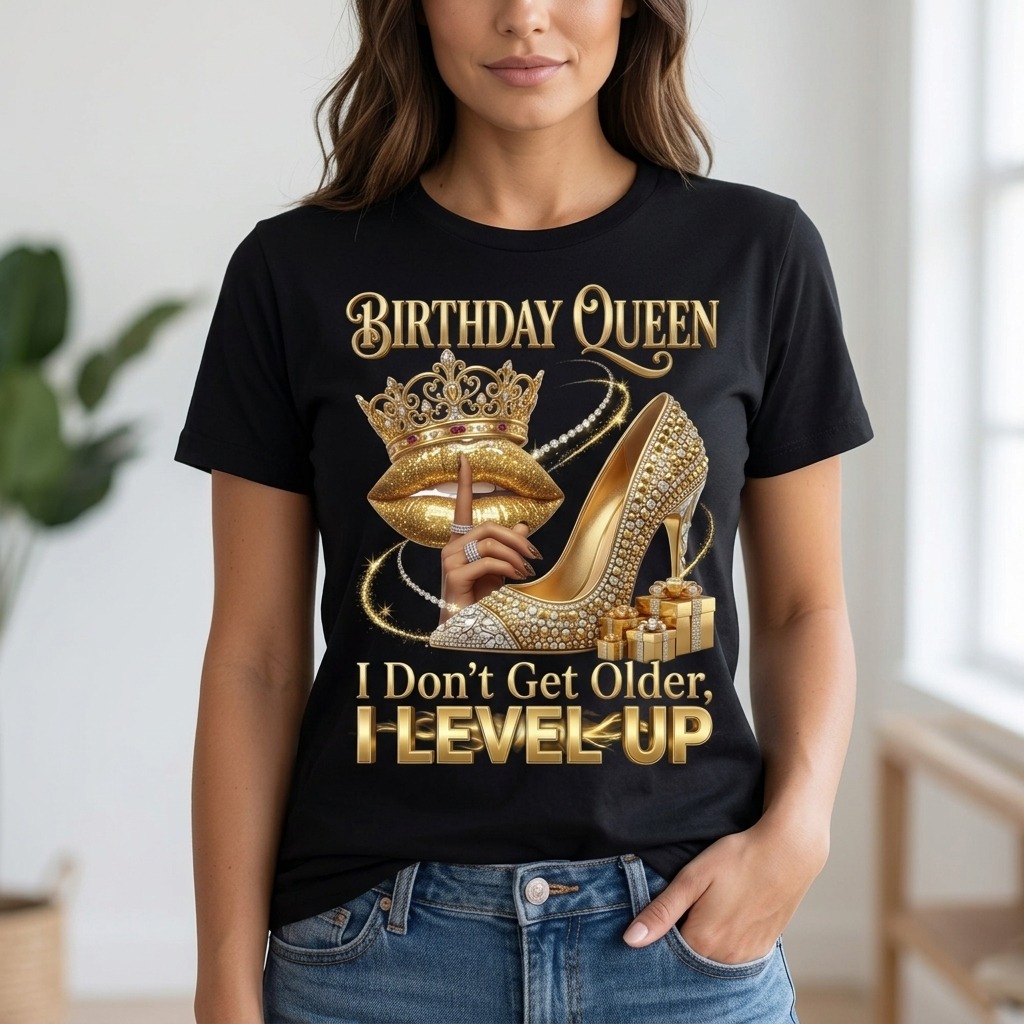
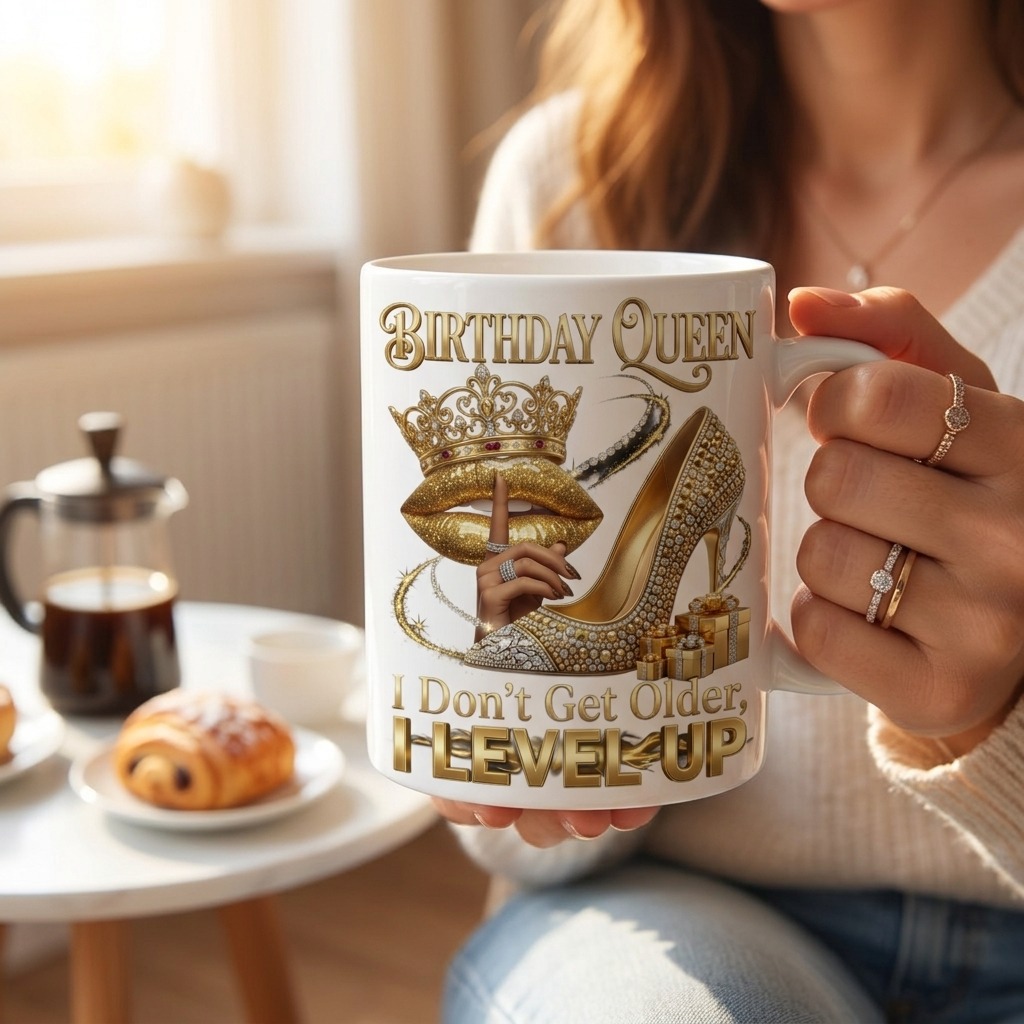
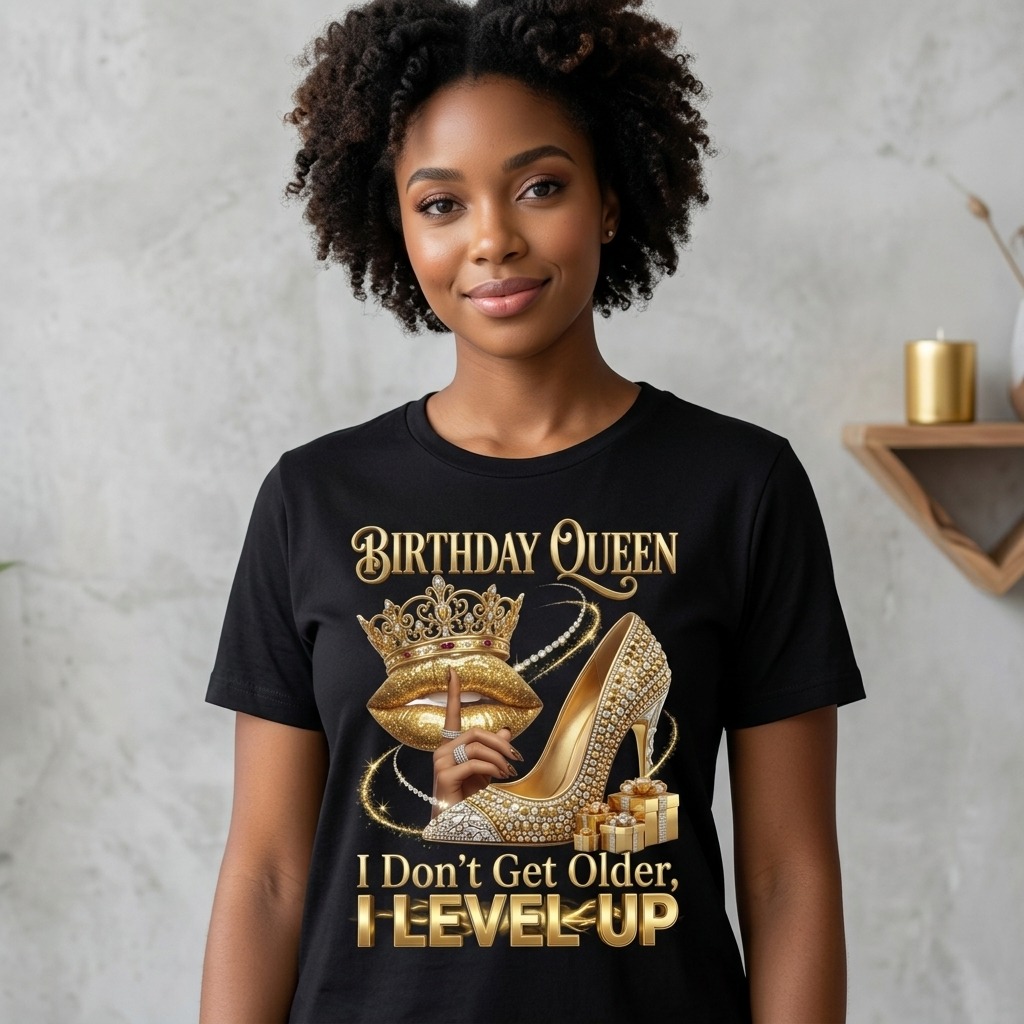
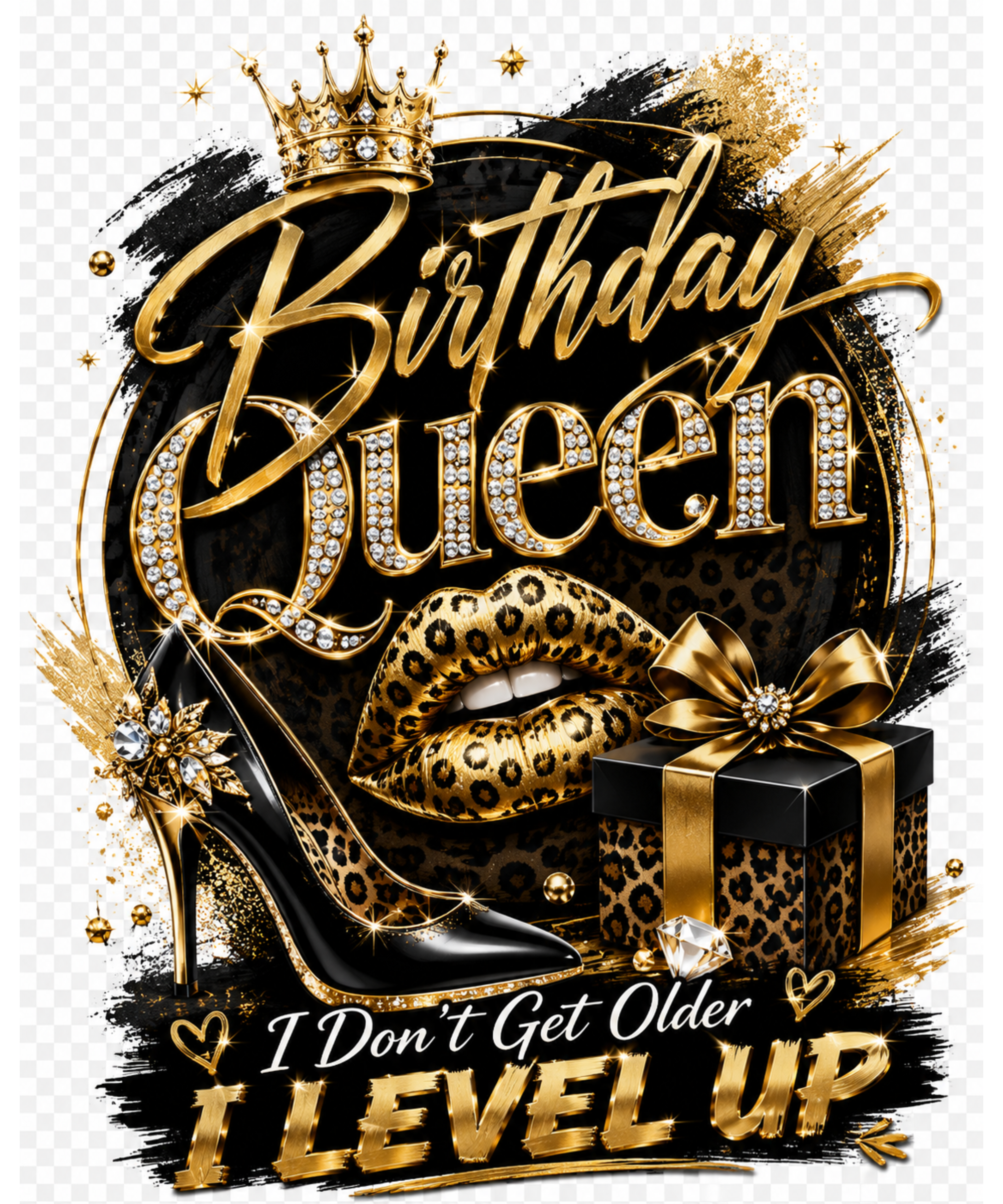
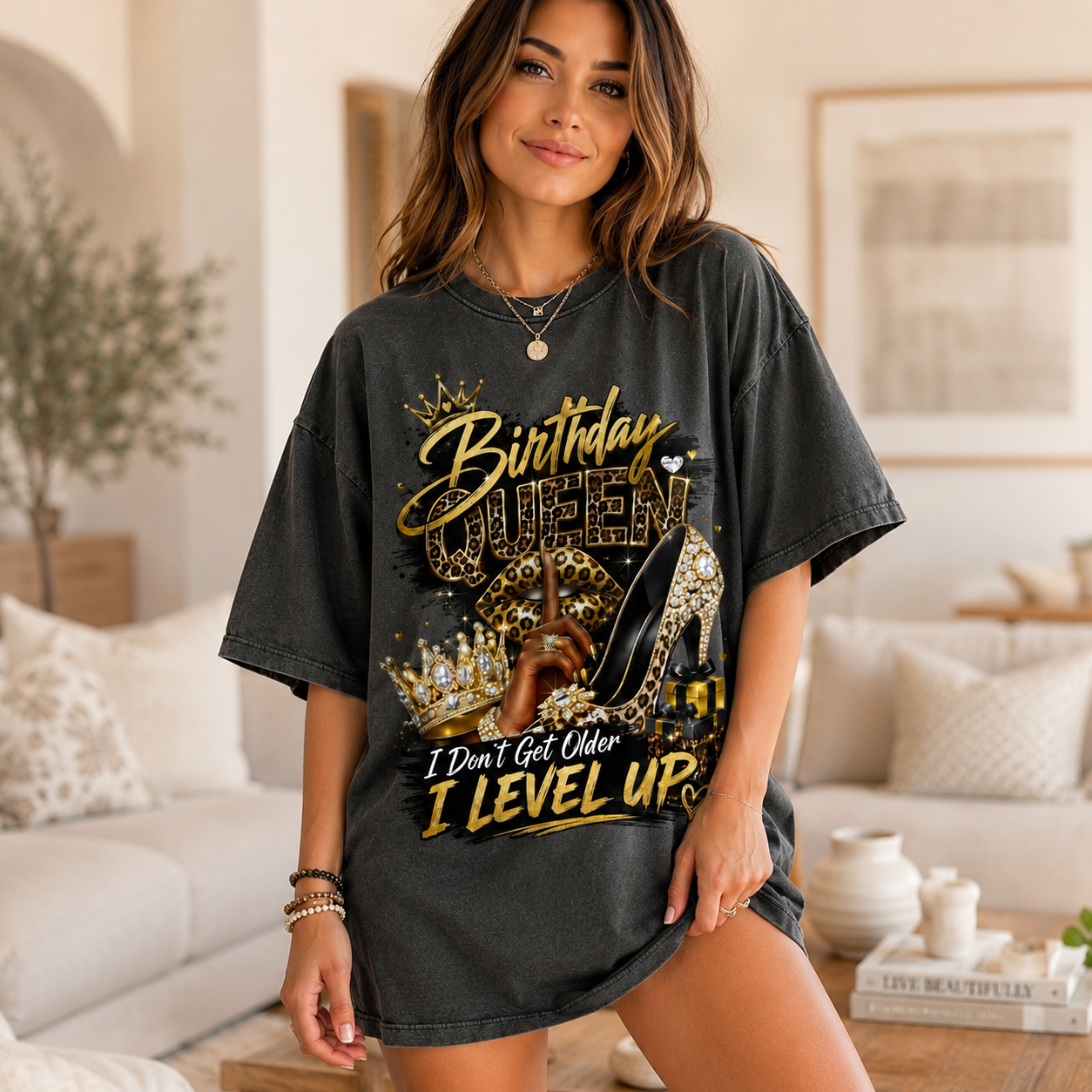
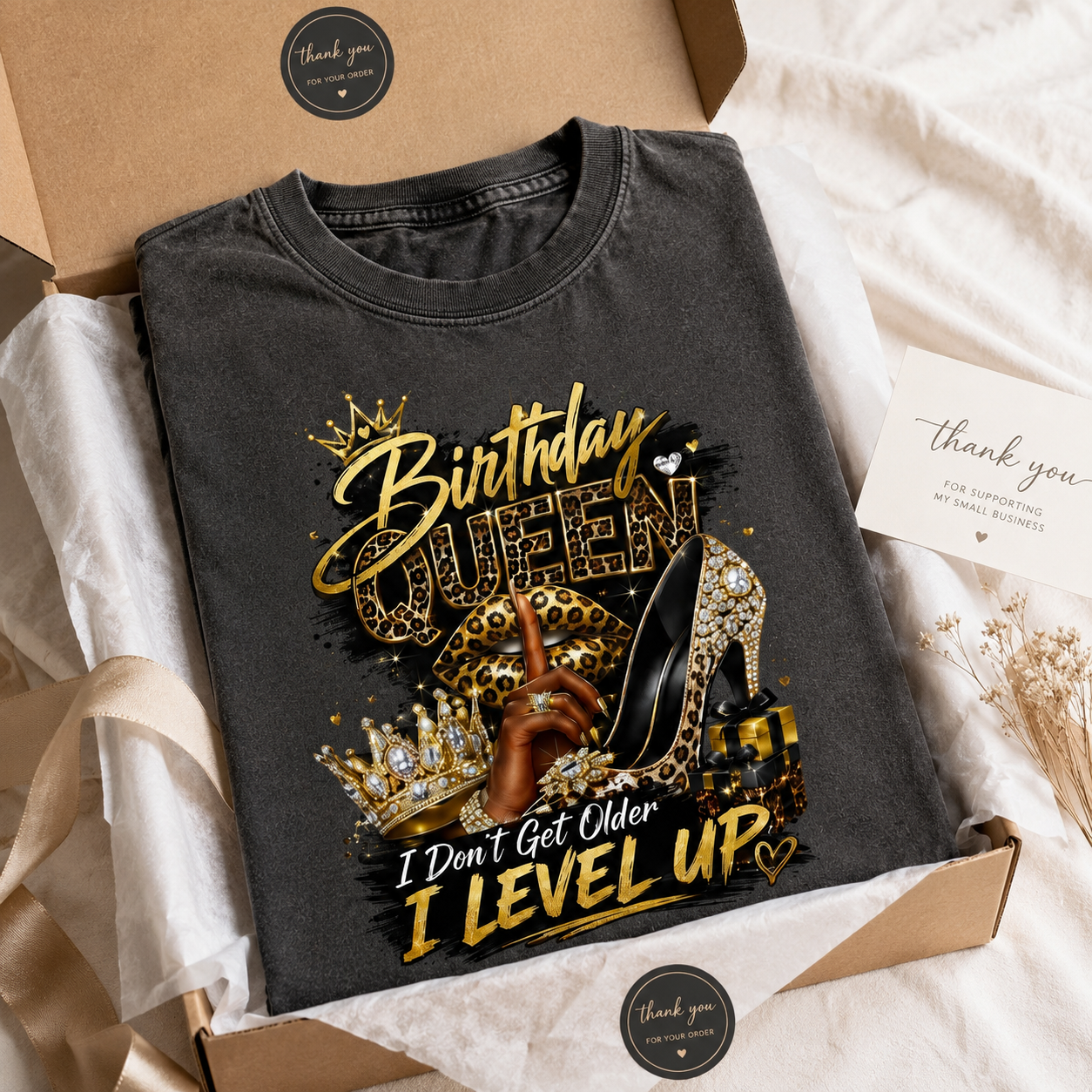
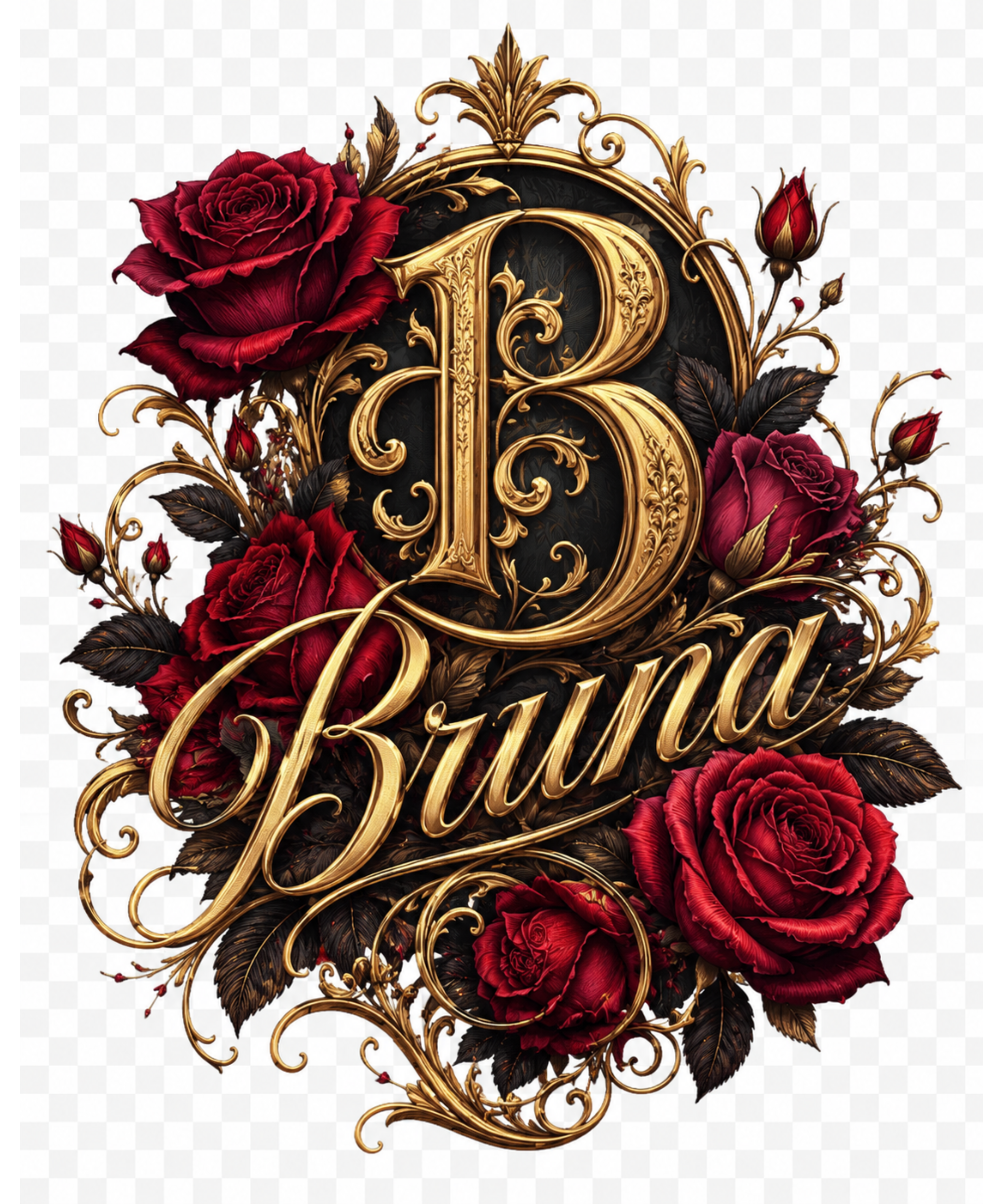
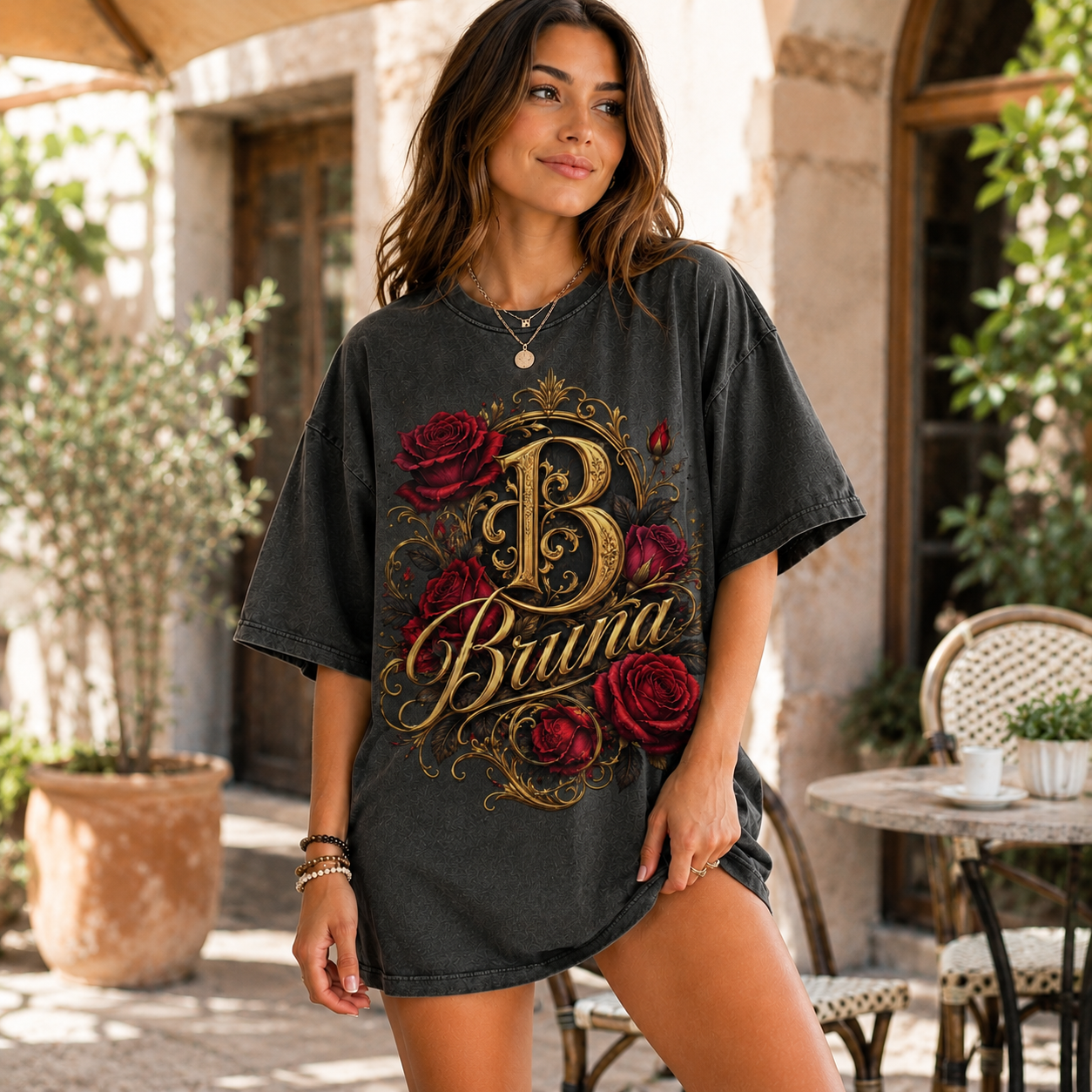
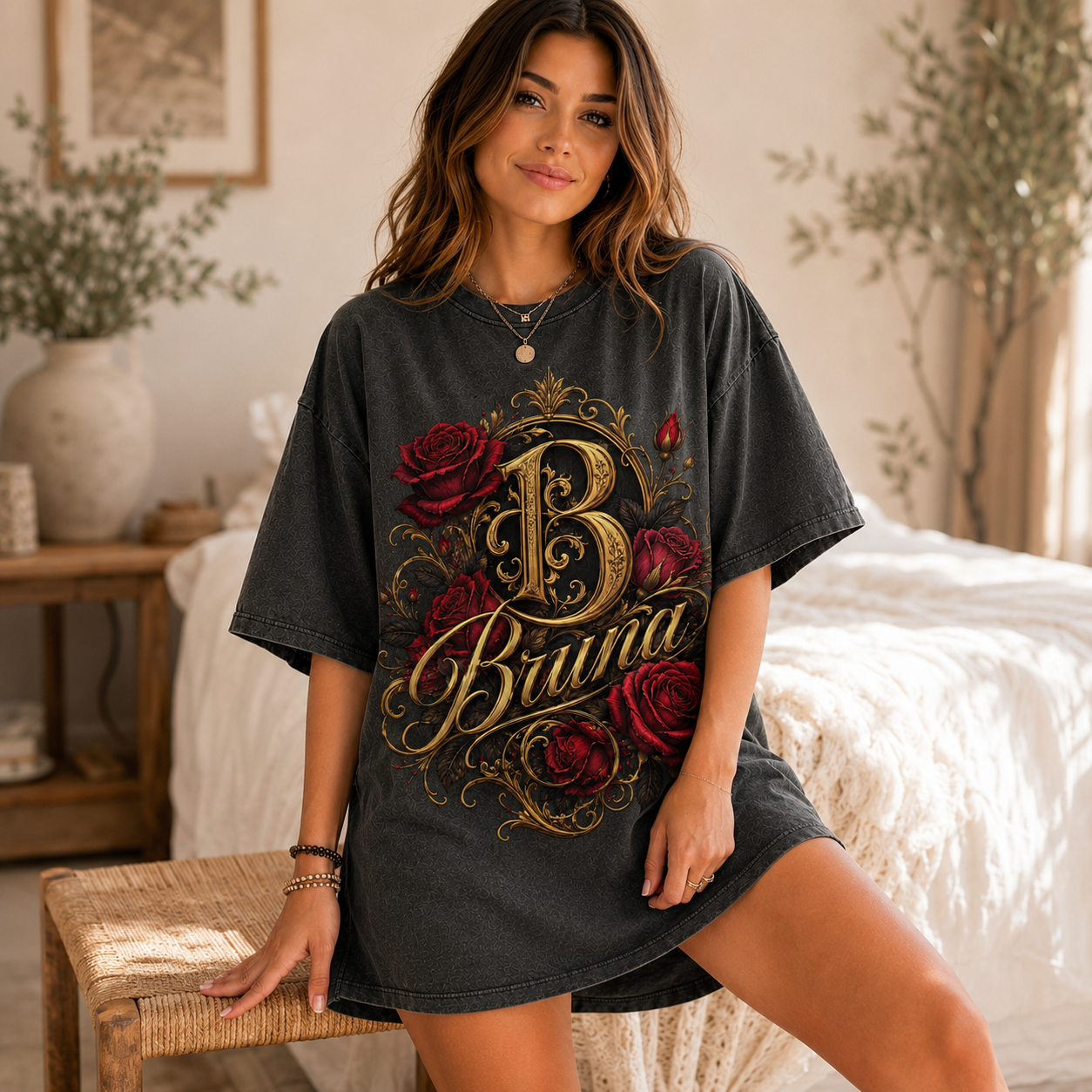
🎨 AUTOMATE GORGEOUS AI MOCKUPS WITH CHATGPT – NO PHOTOSHOP NEEDED! 🚀
Are you tired of:
- ❌ Spending hours manually cutting and pasting designs onto mockups in Photoshop?
- ❌ Paying expensive monthly fees for boring, flat, repetitive mockup websites?
- ❌ Wanting high-end lifestyle studio model mockups but hiring real models is too expensive?
👉 Let GPT AUTO MOCKUP PRO automate 100% of this work in just a few clicks!
Direct Download from Google Drive (ZIP Archive)
🔥 High-Value Features of GPT Auto Mockup Pro
Smart Automated Blending
Drag and drop your graphic design and blank mockup template. The tool automatically uploads both to ChatGPT and directs the AI to combine them seamlessly.
Bulk Hyper-Realistic Model Mockups
Generate lively model mockups in diverse lifestyle environments instead of flat prints. Choose to create 3, 5, or custom quantities at once to select the best shots!
1-Second Color Changing
Select any color option (Black, White, Navy, Grey, Red, Yellow, Pink...) or keep the original template color. AI transforms the fabric color instantly with full texture preservation.
Custom Context & Prompts
Want a model walking on a New York street or posing in a minimalist studio? Input a short description in English or Vietnamese, and AI draws the exact scene.
Automated Queue System
Drag and drop bulk designs into the processing queue, click Start, and sit back! The tool automatically queues, sends requests, and handles the designs sequentially.
High-Resolution Instant Previews
Instantly click on generated mockup thumbnails to inspect them in full DSLR quality resolution, and download them immediately to your local device.
🎯 Who is GPT Auto Mockup Pro Designed For?
- 🔥 POD & Dropshipping Sellers: Save dozens of work hours every week. Instantly bulk-create premium mockups to list on Etsy, Shopify, Merch by Amazon...
- 🔥 Designers & Freelancers: Send gorgeous, realistic interactive mockup demos to your clients for lighting-fast sample approvals.
- 🔥 Online Fashion Brand Owners: Create high-end media assets and commercial ads for Facebook/Instagram without hiring models or booking photographers.
⚙️ How to Install (Developer Mode)
- Download & Extract: Click the Download button above to save the ZIP file, then extract it to a folder on your computer.
- Open Chrome Extensions: Open your Google Chrome browser (or any Chromium-based browser like Brave, Cốc Cốc, Edge) and navigate to
chrome://extensions/. - Enable Developer Mode: Toggle the "Developer mode" switch on the top right-hand corner of the page.
- Load Unpacked Extension: Click the "Load unpacked" button on the top left, select the extracted folder of the extension, and press open.
- Done! The extension icon will now appear in your browser. Pin it to your toolbar and enjoy!